INTELLIGENCE
Guides

How to Set Up Cube for Agentic Analytics
Cube is an open-source semantic layer that sits between your database and your BI tools, defining metrics once so every query and AI agent uses the same numbers. You can run Cube locally with Docker in under ten minutes, connect it to a Postgres or warehouse database, generate a data model automatically, and query it in plain English using Cube's D3 agentic analytics layer. This guide walks through the complete setup from scratch.

How to Get Started with Tableau Agent
Tableau Agent is a generative AI assistant built into Tableau Desktop, Tableau Cloud, and Tableau Server (version 2025.3 and later) that lets analysts explore data, build visualizations, and generate calculations using plain-English prompts. Enabling it requires a Tableau+ license on Desktop or administrator-enabled AI features on a Tableau Cloud site. Once active, you access the Agent icon in the toolbar and describe what you want in natural language.

How to Get Started with Hex for Data Analysis
Hex is a collaborative analytics platform where you connect a database or upload a CSV, write SQL or Python in a notebook, and publish results as a shareable interactive app. The AI Notebook Agent takes plain-English descriptions of what you want to analyze and writes the query logic for you. Setup takes under 10 minutes, and a free workspace is available at app.hex.tech.
How to Get Started with Deepnote for Data Analysis
Deepnote is a collaborative analytics notebook that combines Python, SQL, and AI in a single browser-based workspace. Users can connect a live database or upload a CSV, generate queries in plain English using the built-in AI block generator, and share live notebooks with teammates without installing anything locally. The free tier supports up to 3 editors and 5 projects; the Team plan costs $59 per editor per month.
How to Set Up Metabase for Business Data Analysis
Metabase is an open-source business intelligence tool that lets non-technical teams query databases and build dashboards without writing SQL. You install it via Docker or the cloud option, connect it to your database, and use the visual query builder to answer business questions in minutes. More than 50,000 organizations use Metabase to give ops, sales, and finance teams self-service access to their data.
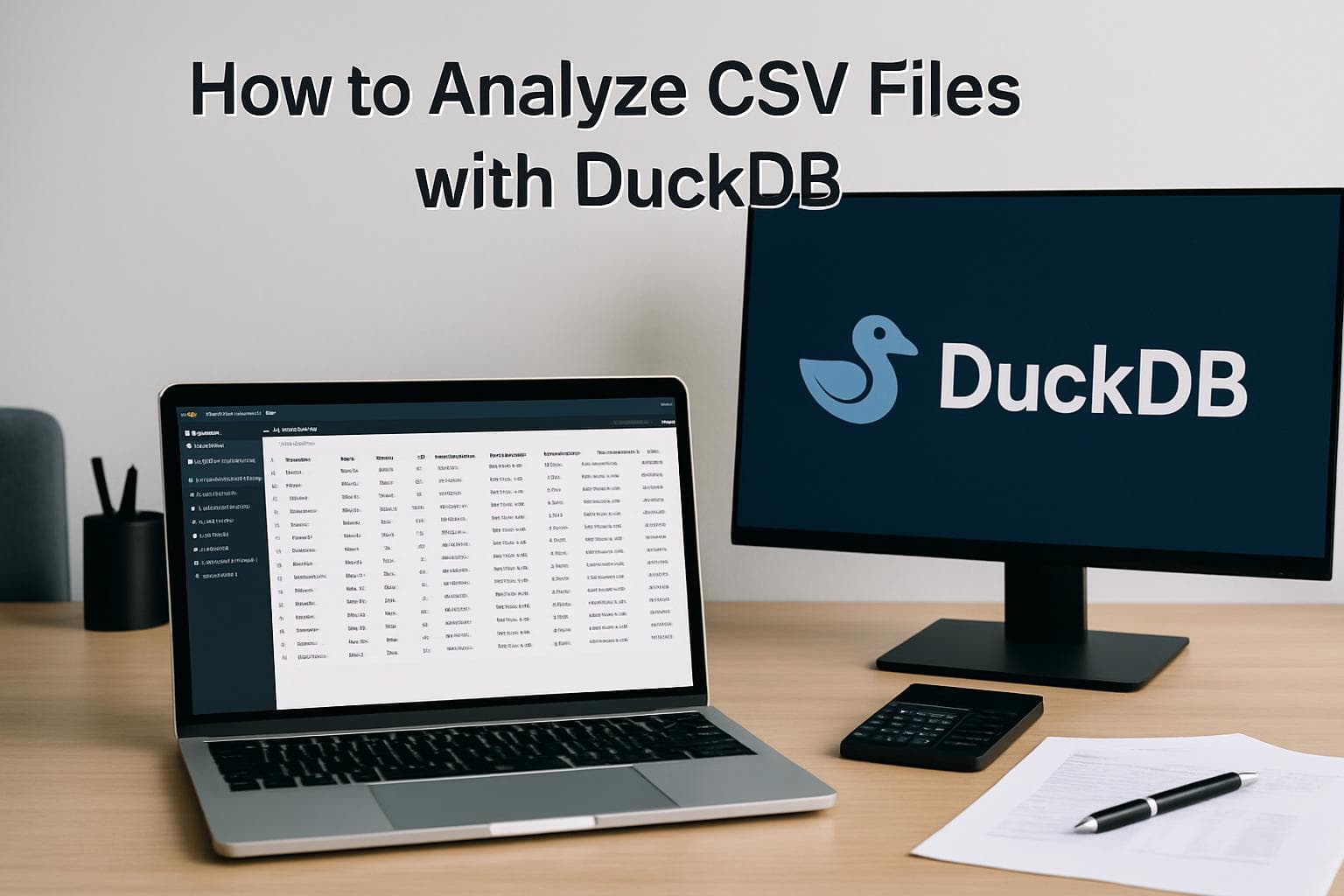
How to Analyze CSV Files with DuckDB
DuckDB is a free, open-source analytical database that runs entirely in-process with no server required. It lets analysts query CSV, Parquet, and JSON files directly with standard SQL in seconds. Version 1.5.2, released April 13, 2026, brings min and max query speedups of 6 to 18 times over prior releases. This guide walks through installation, first queries on CSV files, aggregations, multi-file joins, and exporting results.

How to Use AI in Google Sheets for Data Analysis
Google Sheets includes three native AI tools as of 2026: the =AI() formula for cell-level operations, the Gemini sidebar for conversational dataset questions, and natural language formula generation. All three require a qualifying Google Workspace plan. The =AI() formula can categorize, summarize, or sentiment-score hundreds of rows in minutes by dragging one formula down a column. The Gemini sidebar answers questions about your full spreadsheet but returns text only and cannot generate charts or cross-reference separate tabs.

How to Get Started with MindsDB Anton
MindsDB Anton is an open-source autonomous BI agent that connects to your databases, CSVs, or APIs and answers analytical questions by writing and executing its own SQL and Python code. Released in April 2026, Anton runs locally on your machine and delivers complete outputs including charts, tables, and dashboards from a single plain-language prompt. This guide covers installation, LLM provider setup, connecting a data source, and running your first analysis.

How to Set Up Databricks AI/BI Genie
Databricks AI/BI Genie is a natural-language analytics interface for Databricks workspaces that converts plain-English questions into SQL queries and returns results instantly. Setting it up involves creating a Genie space connected to Unity Catalog tables, building a knowledge store with column descriptions and join relationships, adding example SQL queries for common questions, and sharing the space with business users who need self-service access to data.